
LinkedIn Headshots for Bald Men: A Practical Photo Guide
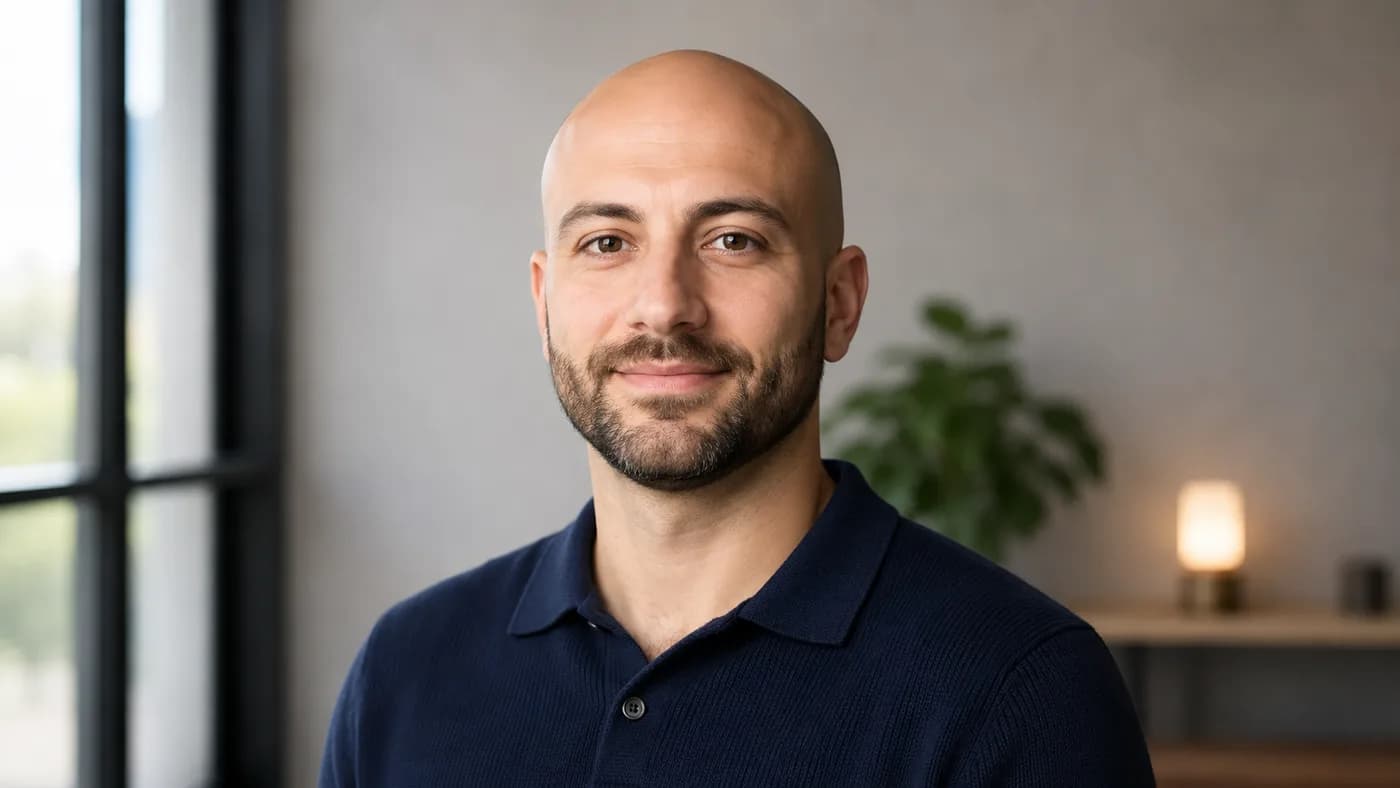
Your LinkedIn photo does not need to prove that a shaved head is professional. It needs to make you easy to recognize and look ready for the work you want to do.
For LinkedIn headshots for bald men, the difference is usually not a dramatic makeover. It is a calm scalp finish, broad soft light, a camera at the right height, and clothing that makes sense for your actual role. A good image lets your face, eyes, and expression lead; it does not hide your head or turn normal reflection into a problem to fix.
LinkedIn itself recommends a high-resolution, close-cropped photo that shows your face clearly, with a neutral background or work setting, soft natural light, and clothing you would wear to work (LinkedIn Sales Solutions). The goal here is to translate those fundamentals into a reliable setup for a bald or regularly shaved head.
Quick read
Use your current beard, glasses, and hair finish—not a one-off version you cannot maintain for a meeting next week.
A window, open shade, or softbox creates a gentler scalp reflection than a bare lamp, flash, or ceiling light.
Corporate, technical, creative, and client-facing roles can all look polished without one universal uniform.
Quick answer: how to take a strong bald LinkedIn headshot
Stand facing a large window or bright open shade with the light slightly to one side. Put the camera at eye level, a few feet away, and crop from the upper chest to just above the head. Wear a solid, well-fitting top appropriate for your work, tidy your beard if you have one, and let moisturizer or sunscreen settle before shooting. Turn your shoulders about 15 to 20 degrees, bring your face gently back to camera, and take a sequence of relaxed expressions.
That setup avoids the two most common issues: a bright scalp hotspot from hard overhead light and a distorted, low-angle phone photo. LinkedIn’s profile guidance also emphasizes that the photo should be a current likeness or headshot—not a logo, landscape, or someone else’s image (LinkedIn Help).
Start with the scalp and face, not the camera
Your headshot is close enough that rushed grooming shows. That does not mean chasing an unreal matte finish. Some scalp reflection is normal; in fact, a gentle highlight can make skin look healthy and dimensional. The aim is to prevent excess oil, product sheen, or a tiny harsh light from competing with your eyes.
On photo day, use the shaving finish your skin tolerates best. A blade-smooth shave, foil shave, or short even stubble can all work in a professional image. Avoid testing a closer shave, a new exfoliant, or a different beard shape the night before. Redness and razor bumps are more distracting than a little extra stubble.
Cleanse gently, moisturize lightly, and give products time to absorb. If the shoot is outside, use broad-spectrum SPF; the American Academy of Dermatology recommends SPF 30 or higher for sun protection. Before the camera comes out, blot excess oil with a clean tissue rather than layering on powder or aggressive drying products.
If you have facial hair, make it look intentional: even length, a tidy neckline, and cheek lines that suit your normal style. If you are clean-shaven, that is equally valid—focus on calm skin, tidy brows, and a neckline or collar with some structure. For the full maintenance routine, see Bald Head Care Routine; for beard-versus-clean-shaven framing, see Bald With Beard vs No Beard.
Do not solve a lighting problem with more grooming
A bright round hotspot on the scalp usually comes from a small, direct light source. Move to a window, turn off the ceiling light, or diffuse the lamp before changing your skin-care routine. The same scalp can look very different under better light.
Use lighting that keeps your eyes and scalp in balance
The simplest headshot setup is a large window. Stand just inside the room, facing the window, then turn a little so the light comes from roughly 30 to 45 degrees off center. Keep the window above eye level if possible. A sheer curtain helps if sunlight is direct.
Avoid standing directly beneath a ceiling fixture. It creates a hard reflection at the top of the head while deepening the eye sockets and beard area. Similarly, a phone flash can produce bright skin and a flat background. A large, diffused source is more forgiving because it wraps around the face instead of making every surface reflect the same pinpoint light.
For glasses, shift the frames down or tilt the temples very slightly only if they still sit naturally; more often, move the light farther to the side or raise it. The goal is to remove the bright rectangle from the lens without making your glasses look crooked. Clean lenses and nose pads before shooting—small smudges become surprisingly visible in a tight crop.
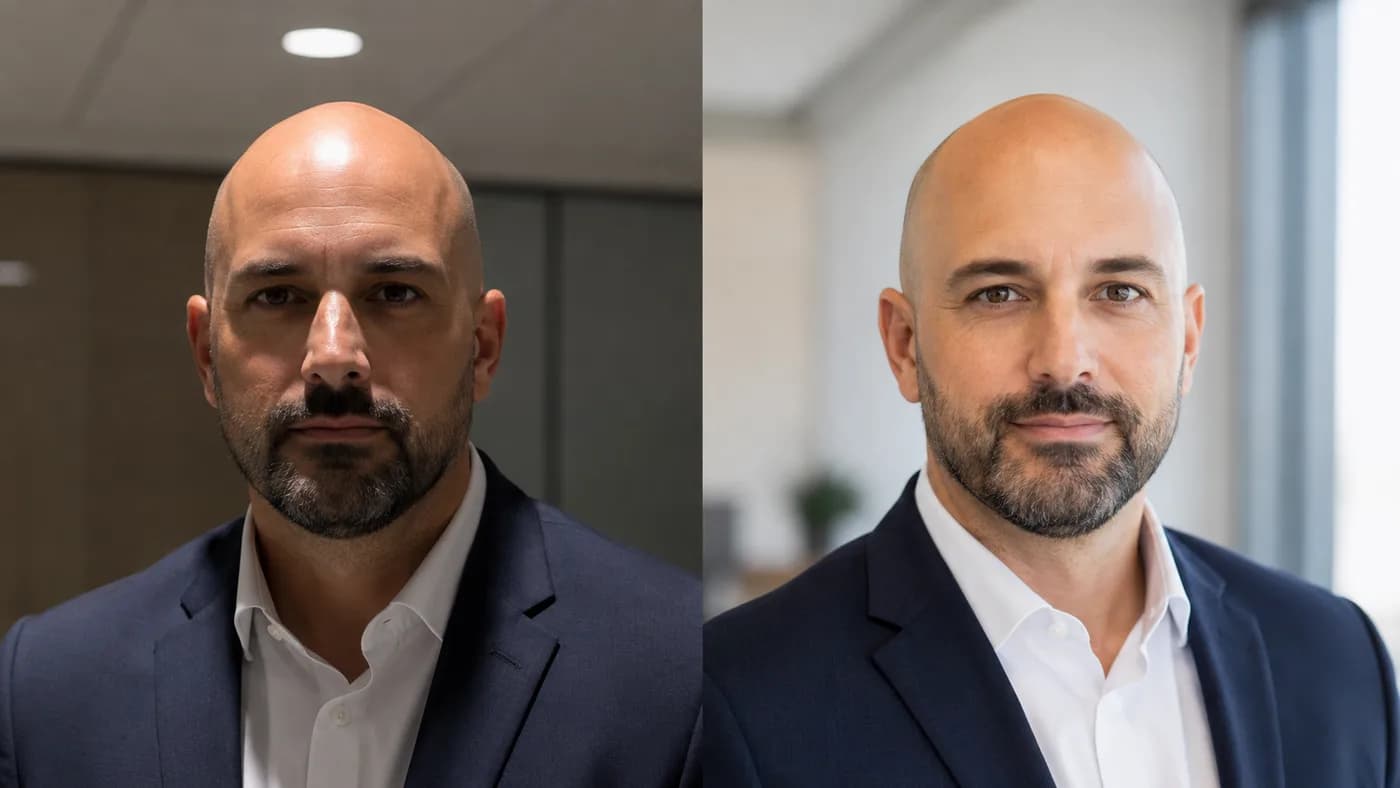
Choose an outfit that matches the role, then refine the frame
Wear a version of your real work uniform, slightly sharpened. LinkedIn advises dressing as you would for work and using solid colors on camera (LinkedIn Talent Solutions). A single photo cannot capture every workplace nuance, but it can communicate that you understand your setting.
| Role context | Dependable headshot direction | Useful details to check |
|---|---|---|
| Corporate or regulated | Crisp shirt, knit, blazer, or a restrained combination | Clean collar points, even beard edges, simple background |
| Technical or product | Solid tee or polo, overshirt, casual button-down, or knit | Shoulder fit, clear neckline, no busy graphics |
| Creative | Personal but intentional layer, richer color, distinctive glasses if you wear them | Keep the face visible; avoid a costume or noisy print |
| Client-facing | The polished end of your everyday work wardrobe | Friendly expression, calm palette, clothes that match an in-person meeting |
These are starting points, not rules about baldness or an industry. A creative director can need a suit for a client-facing context; an engineer may wear a jacket for leadership interviews. Ask one useful question: “Would this make sense if I walked into my next important work conversation?”
For bald men, collars, shoulders, and color near the face do more visible work because hair is not framing the top of the head. Choose a top that holds its shape. Navy, charcoal, mid-blue, olive, burgundy, and off-white are reliable test options, but the best choice depends on your skin tone, beard color, glasses, and background. Take two test frames in the same light instead of accepting generic color rules.
Need broader workplace styling? Read Does a Shaved Head Look Professional at Work? and How to Dress When Bald.
Set the camera height, crop, and pose before you start smiling
LinkedIn’s own profile guide suggests a crop from the top of the shoulders to just above the head, with the face filling about 60% of the frame (LinkedIn Talent Solutions). That gives enough room for the head outline while keeping your face readable in the small circular crop people see in feeds and search results.
Place the camera at eye level or a fraction above. Use the rear phone camera on a tripod, a timer, or a photographer rather than an arm’s-length selfie. Step back and crop after; distance reduces the wide-angle exaggeration that can make the lower face feel larger and the head shape less natural.
Then use a simple pose:
- Stand tall with your shoulders relaxed, turned slightly away from camera.
- Bring your face back toward the lens without twisting your neck.
- Keep your chin level—not tipped down to hide shine, and not raised to create tension.
- Look just above or directly into the lens, depending on what feels natural.
- Take 20 to 30 frames while changing your expression subtly rather than locking into one smile.
A small, relaxed smile or calm neutral expression generally reads better than a forced “power pose.” The right expression depends on role and personality, but the final image should feel like a colleague could recognize you immediately.
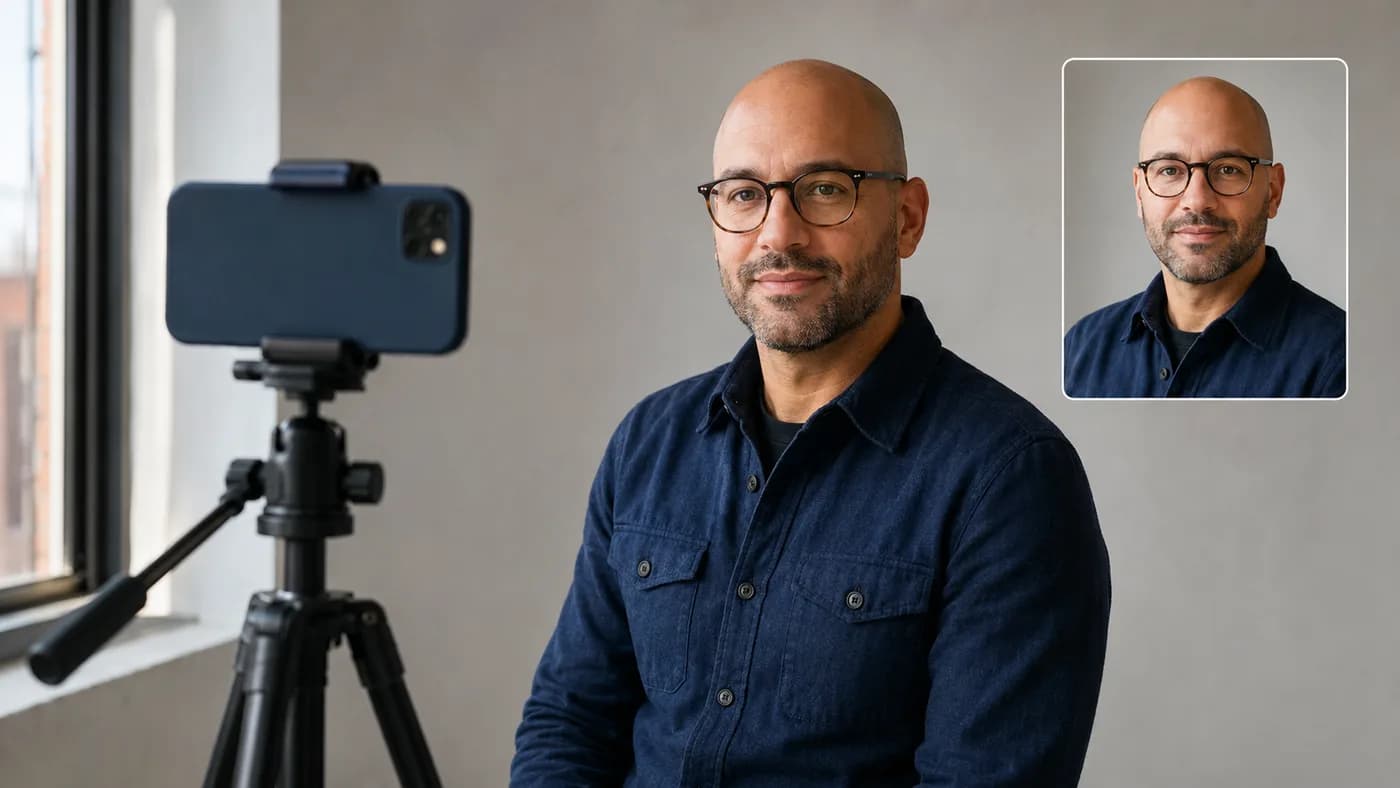
Give your photographer a clear shot list
Whether you hire a photographer or use a friend with a phone, ask for a small range of usable variations. It prevents the shoot from becoming a vague search for “professional” and makes choosing easier later.
Pick the strongest final image at LinkedIn size
Do not choose only at full-screen zoom. Export several candidates, place them in a circular crop, and view them at roughly the size they will appear beside a comment or search result. The best frame is usually the one where your eyes are clearest, your expression is relaxed, and the overall image stays readable when small.
Use this final check:
If two frames are close, choose the more current and approachable one. LinkedIn’s help center notes that profile photos build credibility and help people recognize you, while its profile guidelines require the image to be a likeness of you (LinkedIn Help). Accuracy is a feature, not a compromise.
A professional bald headshot is a complete frame
The best LinkedIn headshot is not about hiding your scalp, adding a beard you do not want, or wearing a costume suit. It is a clear, current portrait with good light, a steady camera position, intentional grooming, and clothes that fit your work.
Set up the light first. Keep the camera eye-level. Then use the version of your bald look you can carry into the next meeting with ease. For more detailed portrait direction beyond LinkedIn, continue with Bald Men Photos; for professional styling, use Shaved Head Professional.